Password security for small business: why 12345 is still a problem
Password security for small business: why reused passwords lead to account takeover, and the cheap fixes NIST, CISA and the NCSC now recommend.
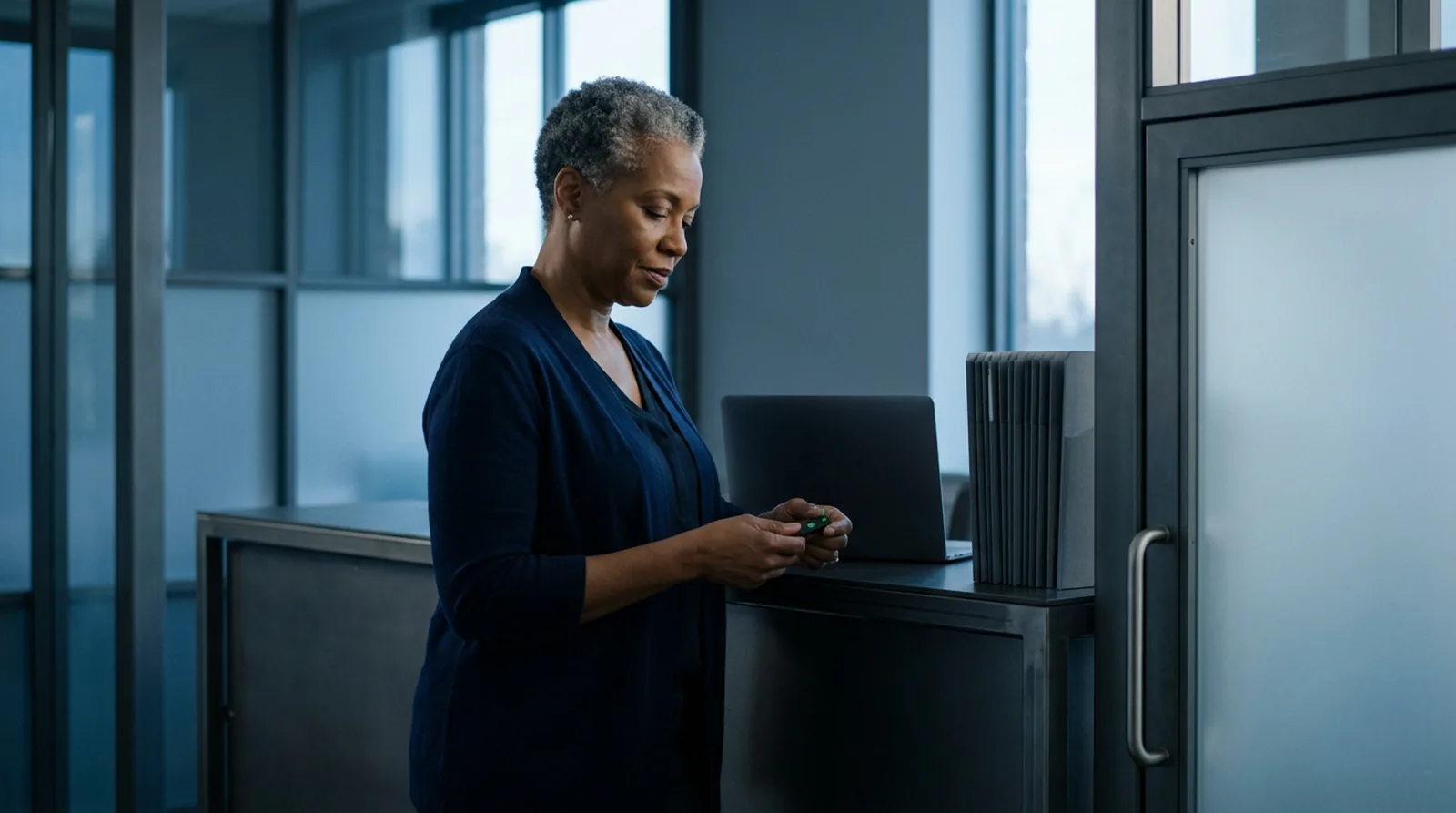
In the 1987 comedy Spaceballs, the code that guards a whole planet's air supply turns out to be 12345, and one of the villains brags that he has the same combination on his luggage. Nearly 40 years later the joke is going around online again, because it still describes real accounts.
This guide covers password security for small business in plain terms: why weak and reused passwords are how business accounts get taken over, what the current federal guideline actually says, and a short list to work through this week. The fixes are cheap. Most cost nothing but an afternoon.
What are the most common passwords, and why do they still work?
In 2019 the UK's NCSC looked at public breach data and found that "23.2 million victim accounts worldwide used 123456 as password". That is the film's code with one more digit. The rest of the top five were 123456789, qwerty, password and 1111111. Yearly lists of leaked passwords keep finding the same strings.
These passwords work for attackers because they are the first ones a guessing tool tries. When thousands of accounts share the same few strings, the tool does not need to be clever. It only needs to keep going.
The NCSC's technical director named the bigger risk at the time: "Password re-use is a major risk that can be avoided". Reuse is what turns one leak into many break-ins.
How do weak and reused passwords lead to account takeover?
Many account takeovers do not involve guessing at all. They use passwords that already leaked from somewhere else.
- Credential stuffing. When a website is breached, its list of email addresses and passwords gets copied, sold and shared. Attackers load that list into tools that try every pair on other sites. In the NCSC's words, credential stuffing "takes advantage of people reusing username and password combinations across different accounts". If your bookkeeper used one password for a shopping site and for the company bank portal, a breach at the shop opens the bank.
- Password spraying. The reverse: a handful of very common passwords tried against many accounts at once. CISA lists it among the common attacks that multi-factor authentication stops.
- Your email is the master key. The NCSC warns that someone inside your email can "reset all your other account passwords". From there they can reach your other accounts and send messages that look like they come from you.
That last risk is expensive. The FBI's 2025 Internet Crime Report puts reported losses from business email compromise at just over 3 billion dollars for the year, second only to investment fraud. The FBI describes these scams as carried out by compromising email accounts and other channels, through social engineering or computer intrusion, to move money without permission. A reused email password is an easy way in.
What are the password best practices now?
The current reference is NIST's Digital Identity Guidelines, SP 800-63B-4, finalized in July 2025. It is written for government systems, but the FBI's 2025 report tells companies to require every account with a password login to meet NIST's standards. Several of its rules undo habits that many offices still follow.
| Common old habit | What NIST SP 800-63B-4 says now |
|---|---|
| 8 characters is enough | At least 15 characters when the password is the only sign-in step; at least 8 when it is one part of multi-factor sign-in |
| Require a capital, a number and a symbol | No composition rules of that kind |
| Change passwords every 90 days | No forced periodic changes; force a change when there is evidence of compromise |
| Block pasting into the password box | Allow password managers and autofill; paste should be allowed |
| Password hints and security questions | No hints a stranger can see, and no security questions when choosing a password |
| Accept anything that meets the rules | Check each new password against a blocklist of common, expected or compromised passwords |
The wording is direct. Sign-in systems "SHALL NOT require subscribers to change passwords periodically", and they "SHALL allow the use of password managers and autofill functionality". The blocklist must hold "known commonly used, expected, or compromised passwords", which is exactly where 123456 and 12345 belong.
The logic is simple. As the FTC's small business guide puts it, "When it comes to passwords, the longer, the stronger." A password that has not leaked does not need replacing, and one that has leaked needs replacing at once.
What makes a good password now?
Three things: long, random and used in one place only.
- Long. CISA's advice is "At least 16 characters", which also clears NIST's 15-character floor.
- Random. The NCSC suggests three random words strung together, which is hard to guess and easy to type. If the result comes out under 15 characters, add a word.
- Unique. CISA puts it in one line: "Use a different strong password for each account." The FTC's guide adds: never reuse passwords, and never share them by phone, text or email.
No one can remember dozens of passwords like that, and nobody should try. That is the job of a password manager. As CISA notes, "Password managers tell us when we have weak or re-used passwords and can generate strong passwords for us." Protect the manager itself with your longest passphrase and multi-factor authentication, because it now holds everything.
Which multi-factor authentication should you use?
Multi-factor authentication (MFA) adds a second step after the password, so a stolen password alone does not get anyone in. CISA's fact sheet Implementing Phishing-Resistant MFA ranks the options from strongest to weakest:
- Phishing-resistant MFA. A physical security key, or a passkey built into a laptop or phone, using the FIDO/WebAuthn standard. CISA calls it "the gold standard" and says it is the only widely available kind that resists phishing.
- Authenticator apps. A six-digit code from an app, or a push prompt where you type a number shown on the sign-in screen (number matching). CISA calls these the best options for small and medium businesses that cannot move to phishing-resistant MFA yet.
- Push prompts without number matching. These are open to push bombing, where an attacker keeps sending prompts until someone taps Accept.
- Text message or voice codes. CISA says this form "should only be used as a last resort MFA option".
Do not let the ranking stop you. CISA is clear that "any form of MFA is better than no MFA". Start with email: CISA notes that most hosted mail and single sign-on systems already support FIDO, and the FBI's 2025 report urges MFA "for all services to the extent possible", naming webmail first.
For some firms it is not optional. If your business falls under the FTC's Safeguards Rule, which covers many non-bank financial businesses such as mortgage brokers and tax preparation firms, the rule says to "Implement multi-factor authentication for anyone accessing customer information on your system."
What should you do this week?
- Turn on MFA for email first, for every person, then for banking, payroll, your domain registrar and your website host.
- Pick one password manager for the team and lock it with a long passphrase and MFA.
- Replace every reused password, starting with email and anything that can move money.
- Change default passwords on new software and devices, such as routers, cameras and printers, when you set them up.
- Drop the 90-day reset and the symbol rules. Set a 15-character minimum instead.
- Turn on blocking of common and breached passwords if your sign-in system offers it.
- Give each person their own login instead of a shared one, so you can switch off one person's access without changing everyone's.
What comes after passwords?
Strong sign-in protects your own accounts. It does not stop a stranger from sending email that only pretends to come from your domain, because that never needs your password. That is a separate fix, and our guide to DMARC policy not enabled walks through it step by step.
How Raileon helps
Our free email security check shows in seconds whether your domain can be faked, with no sign-up. On a free 20-minute call with the founder, we can go through this week's list with you and put it in the right order for your business. In the systems we build, sign-in runs through a specialist identity provider and we never store your passwords.
FAQ
How long should a business password be?
Under NIST's current guideline, at least 15 characters when the password is the only sign-in step, and at least 8 when it is paired with multi-factor authentication. A passphrase of random words, or a long password from a password manager, clears that easily.
Should employees change their passwords every 90 days?
No. NIST's current guideline says not to force periodic changes. Change a password right away when there is any sign it has leaked.
Is a text message code good enough for MFA?
It is better than no second step, but CISA ranks text and voice codes as the weakest form and a last resort. Use an authenticator app with number matching, or a security key or passkey where your services support it.
Does a small business really need a password manager?
For most teams, yes. No one can remember a long, unique password for every account, and CISA notes that password managers flag weak or reused passwords and generate strong ones. Protect the manager itself with a long passphrase and MFA.
Sources
- NIST: SP 800-63B-4, Digital Identity Guidelines: Authentication and Authenticator Management, July 2025, and its password rules.
- NCSC (UK): Most hacked passwords revealed as UK cyber survey exposes gaps in online security, April 21, 2019.
- NCSC (UK): Use of credential stuffing tools, November 19, 2018.
- NCSC (UK): Use a strong and separate password for your email.
- NCSC (UK): Three random words.
- CISA: Use Strong Passwords.
- CISA: Implementing Phishing-Resistant MFA, October 2022.
- FBI: 2025 Internet Crime Report.
- FTC: Cybersecurity for Small Business.
- FTC: FTC Safeguards Rule: What Your Business Needs to Know.
Start with your email
If you do one thing today, give your email a long, unique password and turn on MFA. For an outside view of what anyone can see about your business online, including email security, our free business checkup reads public details only, needs no logins or passwords and takes about 30 seconds.
About the author

Konstantin
Founder & CEO, Raileon
Konstantin has spent more than 15 years in systems, processes, automation and development. He has built businesses from scratch, from early crypto to tech ventures that led to acquisitions, and founded Raileon to build the software and automation he wished he'd had.
- 15+ years in IT, automation and development
- Founder & CEO of Raileon
- Based in North Miami, Florida

 By Konstantin