Legacy system modernization: a practical guide for operations leaders
Legacy system modernization step by step: the warning signs, five approaches, data migration and how to replace old systems without a big-bang rewrite.
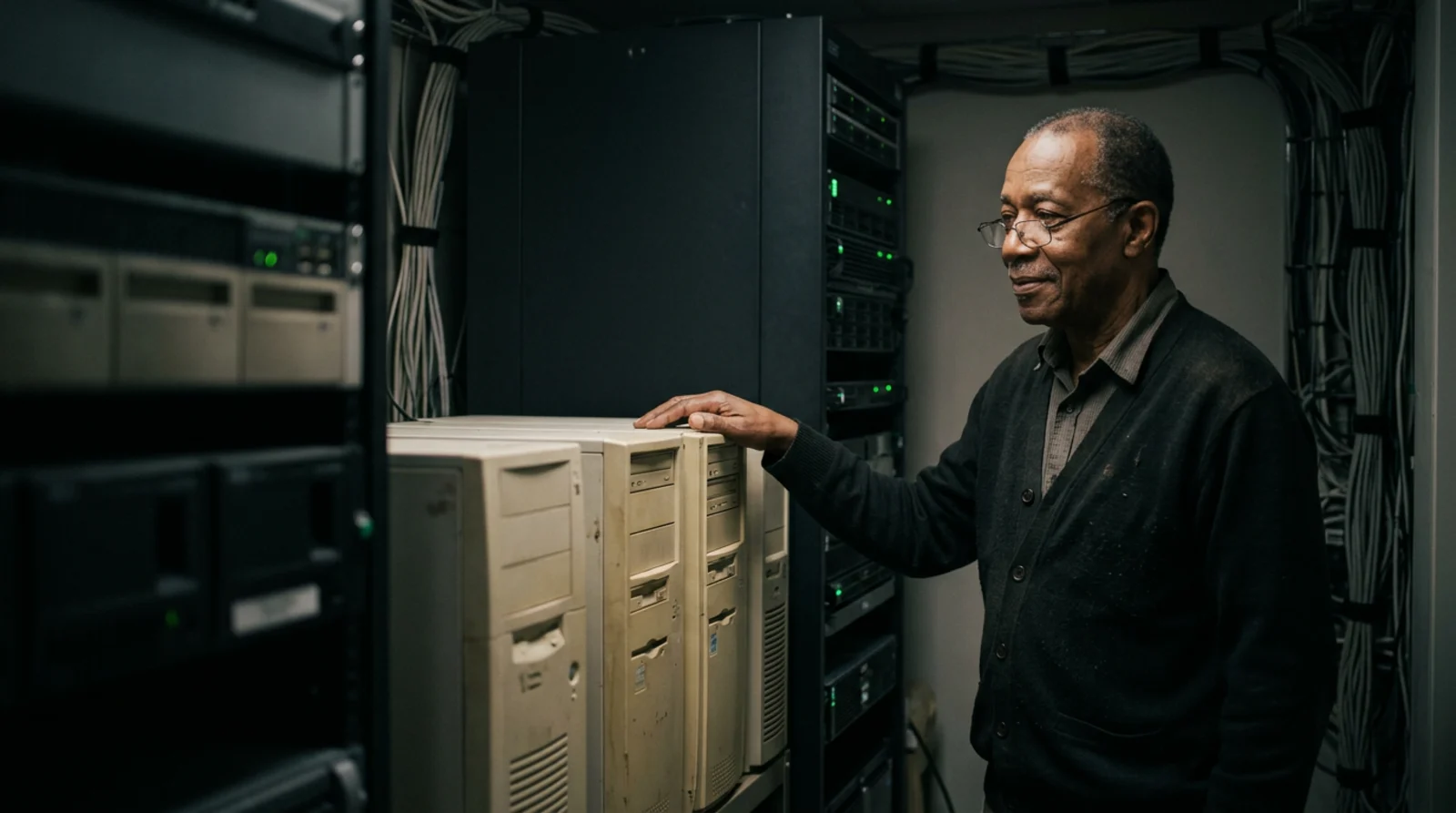
Most companies run at least one system everyone is afraid to touch. The order app built years ago. The Access database finance uses to close the month. The spreadsheet of macros only one person understands. It still works, so it stays.
Legacy system modernization means upgrading, connecting, rebuilding or replacing those systems so the work keeps running and the risk goes down. Below: the warning signs, five approaches, a step-by-step plan, data migration, and how to avoid the big-bang rewrite. It's one part of our guide to the custom software development process.
What counts as a legacy system?
Age alone doesn't make a system legacy. A system is legacy when the business depends on it, but it's hard to change, support or connect. Common examples:
- Old in-house apps written by a developer or vendor who has since moved on.
- Aging desktop software stuck on an old version on a few machines.
- Spreadsheets and Access databases that quietly run pricing, scheduling or month-end.
- Systems only one person understands, where the documentation is that person.
Large organizations have the same problem at a bigger scale. In 2016, the U.S. Government Accountability Office (GAO) found that about 75 percent of the federal government's fiscal 2015 IT budget went to operating and maintaining existing systems; one Defense Department system still used 8-inch floppy disks. In 2025, GAO named 11 critical federal legacy systems, about 23 to 60 years old, costing about $754 million a year to operate and maintain. In GAO's words: "The cost of operating and maintaining legacy systems increases over time."
Warning signs it's time for software modernization
- Support has ended or is ending. For example, Microsoft ended support for Access 2016 and Access 2019, along with Excel and Office 2016 and 2019, on October 14, 2025. After end of support there are no new security updates.
- One person holds the knowledge. When they're out, changes wait.
- It can't connect. Getting data into your CRM or accounting tool means exporting it and typing it in again.
- Workarounds keep growing: side spreadsheets, double entry, manual checks.
- Small changes take weeks, because nobody is sure what else will break.
If two of these sound familiar, start planning now, before something fails.
What are the real risks of keeping a legacy system?
Security. When a product reaches end of life, the vendor stops fixing it; NIST's patch management guide says a patch for such software "will never be released". CISA puts unsupported or end-of-life software first on its list of Bad Practices for critical infrastructure, calls it "especially egregious" in technology reachable from the internet, and encourages all organizations to address it. GAO found seven of the 11 critical federal systems operating with known cybersecurity vulnerabilities.
Key-person risk. GAO reports that federal departments have had difficulty finding staff with the skills for older systems and may pay a premium for specialists. In a mid-market company it's often one developer or one long-time employee. If they leave, the knowledge leaves too.
Integration dead ends. New tools can't talk to the old system, so your people become the integration.
Hidden labor. Every workaround costs hours each week and adds a chance for error. Those hours rarely show up in a budget, which is why old systems look cheaper to keep than they are.
The five approaches to legacy software modernization
| Approach | What it means | When it fits | Watch out for |
|---|---|---|---|
| Keep and wrap | Keep it and add integrations so data flows in and out on its own | The core works and is supported; the pain is re-keying | Doesn't fix a system that's out of support |
| Move to the cloud as is | Run the same software on cloud servers | The hardware is the problem, not the software | Same code, same limits |
| Rebuild in pieces | Replace one workflow at a time while the old system runs the rest | It's core to how you work and no product fits | Old and new run side by side for a while |
| Replace with off-the-shelf | Move to a packaged product | The process is standard, like payroll | You adapt your process to the product |
| Retire | Switch it off and archive the data | Few people use it, or another tool does the job | How long you must keep old records |
Most plans mix these. Wrapping the old system with integration services removes re-keying and buys time while you rebuild the core. If you must keep an unsupported system for now, NIST describes isolating systems that can't be patched, for example with firewalls and network segmentation.
Product or rebuild? Our guide to build vs buy software walks through it. If the legacy system is an old ERP, or spreadsheets doing an ERP's job, see custom ERP software.
A step-by-step legacy system modernization plan
- Take inventory. List each system, its users, what it connects to and its end-of-support date. NIST's guide starts here too: know what you run and which software versions.
- Map processes and data. Write down how the work really runs, workarounds included, and which rules are buried in formulas, macros or old code.
- Pick the first slice. One workflow with real pain, clear edges and low risk. For example: quoting, scheduling or one monthly report.
- Run old and new side by side. Run both on the same work for a set period and compare the results.
- Migrate data with checks. Move the records the new piece needs and prove they arrived complete.
- Retire the old part. Switch it off, remove access and archive what you must keep. Then pick the next slice.
Write the plan down. GAO says a modernization plan should include, at a minimum, milestones, a description of the work and what happens to the legacy system. In 2019, GAO found only two of the ten most critical federal legacy systems had plans with all three.
How do you migrate data and test without breaking things?
Data is the easiest part of modernization to underestimate. Treat it as its own piece of work:
- Clean before you move. Remove duplicates, flag missing fields and agree on one format for names, dates and codes.
- Map every field from old to new, with any rule that changes it on the way.
- Rehearse on a copy until the migration runs clean.
- Reconcile. Counts and totals must match: open orders, unpaid invoices, balances. Then spot-check records by hand.
- Keep a way back. Microsoft's architecture guidance says to validate the old and new data against each other before cutover. Rolling back is far easier while the old data still exists, so remove it last.
- Test with real people and real cases, including the awkward exceptions. The federal Digital Services Playbook calls for testing with real people.
How do you avoid the big-bang rewrite?
A big-bang rewrite builds a full replacement, then switches everything over at once. All the risk lands on one day, the business keeps changing while you build, and nobody uses the new system until it's finished.
The safer path is incremental. In the strangler fig pattern, a routing layer sits in front of the old system, and each rebuilt function takes over its share of the work. The old system shrinks piece by piece until it can be decommissioned, while people keep working. The federal playbook makes the same case: "We should use an incremental, fast-paced style of software development to reduce the risk of failure."
The pattern has limits: the same guidance says it may not suit a small system that's simple to replace whole.
Either way, plan for time. Of the ten systems GAO flagged in 2019, federal departments had finished modernizing three as of February 2025. Make each slice useful on its own, so progress doesn't wait for a finish line years away.
People and training
New software only helps if people use it:
- Involve daily users early. They know the workarounds, and the workarounds are the real requirements.
- Name an owner for each process who signs off on how it should work.
- Train before cutover: short sessions, written how-tos and one person to ask.
- Document the new system so you don't rebuild the key-person risk you just removed.
How Raileon handles legacy system modernization
Raileon designs, builds and runs custom systems inside the tools your business already uses. For a legacy system, that means connecting what still works, rebuilding what doesn't one workflow at a time, and training your team as each piece goes live.
- Free 20-minute call with the founder.
- Written proposal before anything starts: what we build, what needs your approval, and the price.
- Build in slices, old and new side by side until the numbers match.
- Monthly care (hosting, monitoring, fixes, updates) starts from $1,999 a month and keeps the new system from becoming the next legacy one.
Builds are priced by scope after the free call; our guide to custom software development cost explains what drives the number. Your data stays yours. It runs separately from every other client's, encrypted in transit and at rest, with daily backups (security).
FAQ
What is legacy system modernization?
It's the work of upgrading, connecting, rebuilding, replacing or retiring an old system the business still depends on, so the work keeps running with less risk. It can be one large project, but it's usually safer as a series of small ones.
Is it safe to keep using unsupported software?
It's a real risk. Once a product reaches end of support, the vendor stops releasing security fixes. If you can't replace it yet, limit who and what can reach it, keep it off the open internet and set a date to replace it.
Should we rewrite our legacy system from scratch?
Rarely all at once. A full rewrite puts the risk on one cutover day. Replacing one workflow at a time, with old and new running side by side, lets you check results and change course as you go. Small, simple systems are the exception.
How long does legacy software modernization take?
It depends on how much the system does. The first slice, one workflow, can go live long before the whole system is replaced, and each slice should make work easier on its own. Plan a large system in stages, not as one project.
Start with one system
Pick the system you'd least like to lose, and the workflow in it that costs the most hours. That's your first slice. Book a free 20-minute call with the founder; if we can help, you get a written proposal before anything starts.